Style Guide
Internal reference for the color system and design tokens used across the site.
Color Palettes
Slate
Primary neutral (hue 260) — harmonizes with Lavender & Blue
50
oklch(98% 0.005 260)
100
oklch(95% 0.01 260)
200
oklch(90% 0.02 260)
300
oklch(83% 0.03 260)
400
oklch(70% 0.04 260)
500
oklch(58% 0.04 260)
600
oklch(48% 0.035 260)
700
oklch(40% 0.03 260)
800
oklch(32% 0.025 260)
900
oklch(25% 0.02 260)
950
oklch(18% 0.015 260)
Lavender
Primary accent, used for headings, code highlights, and shelf cards
50
oklch(97% 0.02 300)
75
oklch(95.5% 0.008 320)
100
oklch(94% 0.04 300)
200
oklch(88% 0.06 300)
300
oklch(80% 0.08 300)
400
oklch(70% 0.10 300)
500
oklch(60% 0.12 300)
600
oklch(52% 0.12 300)
700
oklch(44% 0.10 300)
800
oklch(36% 0.08 300)
900
oklch(28% 0.06 300)
950
oklch(20% 0.04 300)
Teal
Tertiary accent, used for highlights, badges, and success states
50
oklch(97% 0.02 185)
100
oklch(94% 0.04 185)
200
oklch(88% 0.08 185)
300
oklch(78% 0.10 185)
400
oklch(68% 0.12 185)
500
oklch(55% 0.12 185)
600
oklch(48% 0.10 185)
700
oklch(40% 0.08 185)
800
oklch(32% 0.06 185)
900
oklch(25% 0.04 185)
950
oklch(18% 0.03 185)
Blue
Used for links and CTAs
50
oklch(97% 0.02 240)
100
oklch(94% 0.05 240)
200
oklch(88% 0.08 240)
300
oklch(78% 0.12 240)
400
oklch(68% 0.14 240)
500
oklch(58% 0.16 240)
600
oklch(50% 0.14 240)
700
oklch(42% 0.12 240)
800
oklch(34% 0.09 240)
900
oklch(26% 0.06 240)
950
oklch(18% 0.04 240)
Green
Success and nature themes, used for shelf cards
50
oklch(97% 0.02 145)
100
oklch(94% 0.04 145)
200
oklch(88% 0.08 145)
300
oklch(78% 0.12 145)
400
oklch(68% 0.14 145)
500
oklch(58% 0.14 145)
600
oklch(50% 0.12 145)
700
oklch(42% 0.10 145)
800
oklch(35% 0.08 145)
900
oklch(28% 0.06 145)
950
oklch(20% 0.04 145)
Orange
Warm accent, used for shelf cards and highlights
50
oklch(97% 0.02 60)
100
oklch(93% 0.04 55)
200
oklch(87% 0.08 50)
300
oklch(78% 0.12 45)
400
oklch(70% 0.15 40)
500
oklch(62% 0.16 38)
600
oklch(54% 0.14 35)
700
oklch(45% 0.12 35)
800
oklch(38% 0.09 35)
900
oklch(30% 0.06 35)
950
oklch(22% 0.04 35)
Ruby
Error and attention states, used for shelf cards
50
oklch(97% 0.02 15)
100
oklch(93% 0.05 15)
200
oklch(86% 0.08 15)
300
oklch(76% 0.12 15)
400
oklch(66% 0.14 15)
500
oklch(56% 0.16 15)
600
oklch(48% 0.14 15)
700
oklch(40% 0.12 15)
800
oklch(33% 0.09 15)
900
oklch(26% 0.06 15)
950
oklch(18% 0.04 15)
Glacier (Legacy)
Muted blue-green (hue ~220-225) — currently used for dark mode backgrounds and focus rings
50
oklch(97.74% 0.00 236.50)
100
oklch(95.37% 0.01 225.08)
200
oklch(89.84% 0.02 223.02)
300
oklch(76.91% 0.05 219.79)
400
oklch(70.93% 0.06 218.31)
500
oklch(62.22% 0.07 219.76)
600
oklch(53.63% 0.06 223.04)
700
oklch(45.90% 0.05 226.70)
800
oklch(41.41% 0.04 222.60)
900
oklch(37.37% 0.04 224.21)
950
oklch(28.61% 0.02 227.01)
Shelf Cards
Cards with a colored shelf, glow effect, and optional background image. Used for articles, tools, and featured content.
Color Variants
Blue
Sample card with blue shelf
Lavender
Sample card with lavender shelf
Green
Sample card with green shelf
Orange
Sample card with orange shelf
Ruby
Sample card with ruby shelf
Full Featured Card
Card Anatomy
ShelfCard— Container with shelf background, glow effect, and hover liftShelfCard.Eyebrow— Small text above title (date, category)ShelfCard.Title— Main heading in lavender-800ShelfCard.Description— Body text in zinc-600ShelfCard.Cta— Call-to-action link with arrowShelfCard.Shelf— Bottom shelf label (uppercase, tracking-wide)ShelfCard.Badge— Small pill badge for statusbackgroundImage— Optional faded image in bottom-right corner
Project Cards
Split-layout cards used on the Projects page. Content on left, image on right (stacks on mobile).
Project Name
A short tagline for the project
A longer description that explains what the project does and why it matters to users.
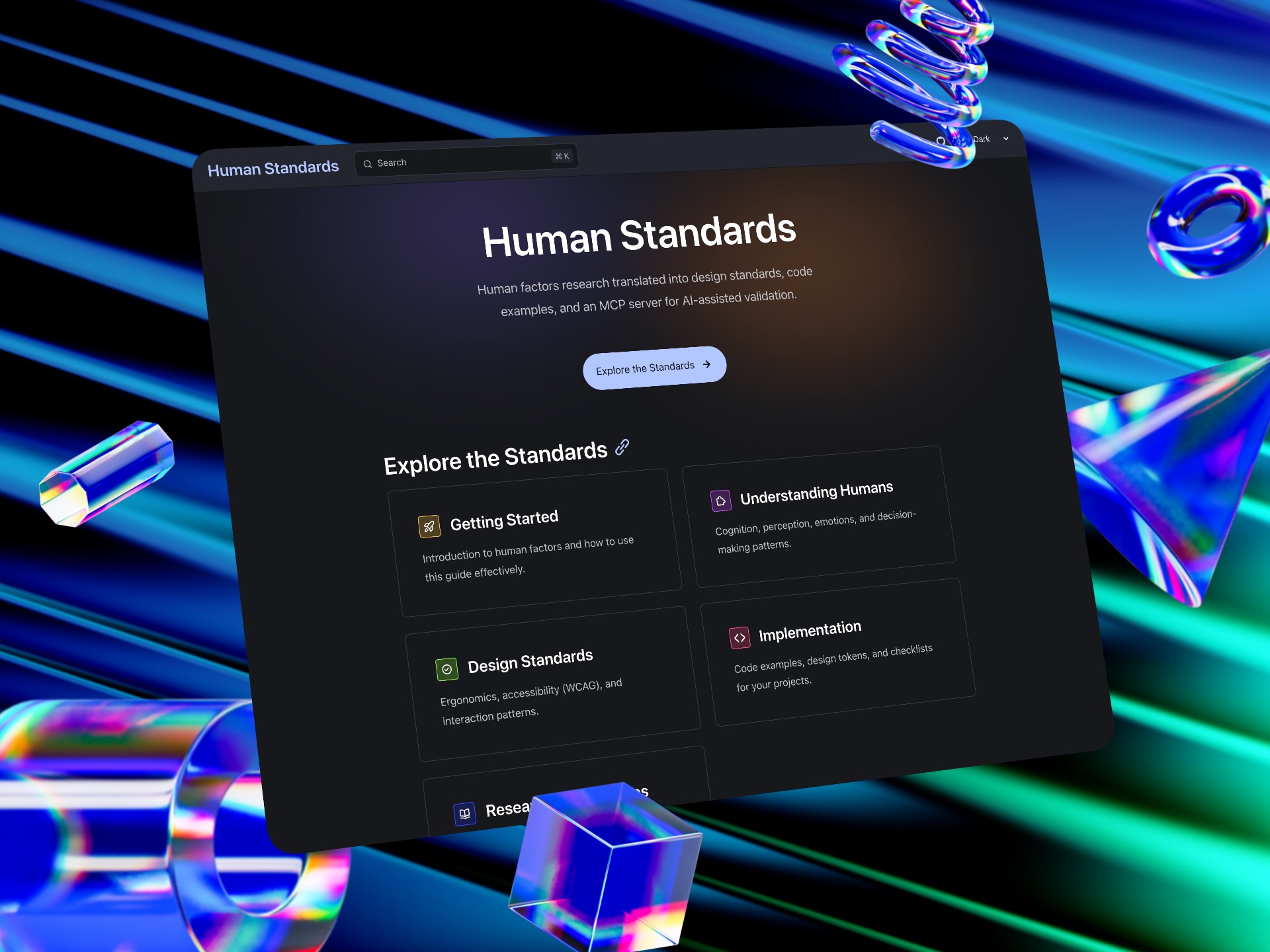
Layout: flex-col-reverse sm:flex-row — Image stacks on top for mobile, splits 50/50 on desktop
Speaking Cards
ShelfCard variant with image header, used for speaking engagements.
Code Blocks
Syntax highlighting for code blocks and inline code in articles.
Inline Code
Use inline code for referencing function names, variables, or npm install commands.
lavender-700 background, lavender-100 text, rounded cornersCode Block (with syntax highlighting)
// Example JavaScript code
function greet(name) {
  const message = `Hello, ${name}!`;
  console.log(message);
  return message;
}

// Usage
greet('World');lavender-950 background (light), lavender-900 (dark). Syntax colors defined in tailwind.css using Prism token classes.Terminal / Bash
git clone https://github.com/user/repo.git
cd repo
npm install && npm run build
npm run dev
Syntax Token Colors
Typography
Text Colors
Page headings use Lavender, body text uses Slate
Page heading in Lavender 800
Article heading in Lavender 700
Body text in Slate 600. Here's the uncomfortable truth: following steps never produced great design. The double diamond didn't create Linear. Design thinking workshops didn't birth the iPhone. Those frameworks were always just scaffolding.
Heading Scale
h1 — text-5xl font-bold tracking-tight — lavender-800
Page Title
h2 — text-4xl font-bold tracking-tight — lavender-800
Section Title
h3 — text-2xl font-semibold — lavender-700
Subsection Title
h4 — text-xl font-semibold — lavender-700
Group Title
h5 — text-lg font-medium — slate-800
Item Title
h6 — text-base font-medium — slate-700
Label Title
Text Scale
text-xs (0.8125rem)
The quick brown fox jumps over the lazy dog
text-sm (0.875rem)
The quick brown fox jumps over the lazy dog
text-base (1rem)
The quick brown fox jumps over the lazy dog
text-lg (1.125rem)
The quick brown fox jumps over the lazy dog
text-xl (1.25rem)
The quick brown fox jumps over the lazy dog
text-2xl (1.5rem)
The quick brown fox jumps over the lazy dog
text-3xl (1.875rem)
The quick brown fox jumps over the lazy dog
text-4xl (2rem)
The quick brown fox jumps over the lazy dog
text-5xl (3rem)
The quick brown fox
UI Elements
Links
This is a paragraph with a styled link that shows the hover effect.
Buttons
Primary: Lavender 800 → Lavender 900 on hover | Secondary: Slate border with Slate 800 text | Tertiary: Teal 50 bg with Teal 300 border
Form Inputs
Badges
Text Selection
Custom selection color using the lavender palette. Select some text below to see it in action.
Try selecting this text to see the custom selection color. The selection uses lavender-800 in light mode and lavender-700 in dark mode, with lavender-50 text for contrast.
Light mode: oklch(36% 0.08 300) background, oklch(97% 0.02 300) text
Dark mode: oklch(44% 0.10 300) background, oklch(97% 0.02 300) text
Usage Notes
- Page headings: Use
lavender-800(light) /lavender-300(dark) - Body text: Use
slate-600(light) /slate-400(dark) - Links: Use
blue-600(light) /blue-400(dark) for interactive elements - Primary buttons: Use
lavender-800background with white text, darkens tolavender-900on hover - Secondary buttons: Use
slate-300border withslate-800text - Tertiary buttons: Use
teal-50background withteal-300border andteal-700text - Code: Use
lavender-700background withlavender-100text for inline code - Text selection: Use
lavender-800(light) /lavender-700(dark) background - Shelf cards: Rotate through blue, lavender, green, orange, ruby at the 100 shade
- All colors use OKLCH for perceptually uniform lightness across hues